

Samsung to Samsung (Galaxy)
Transfer your data easily with Smart Switch: wirelessly, by cable, or via backup.
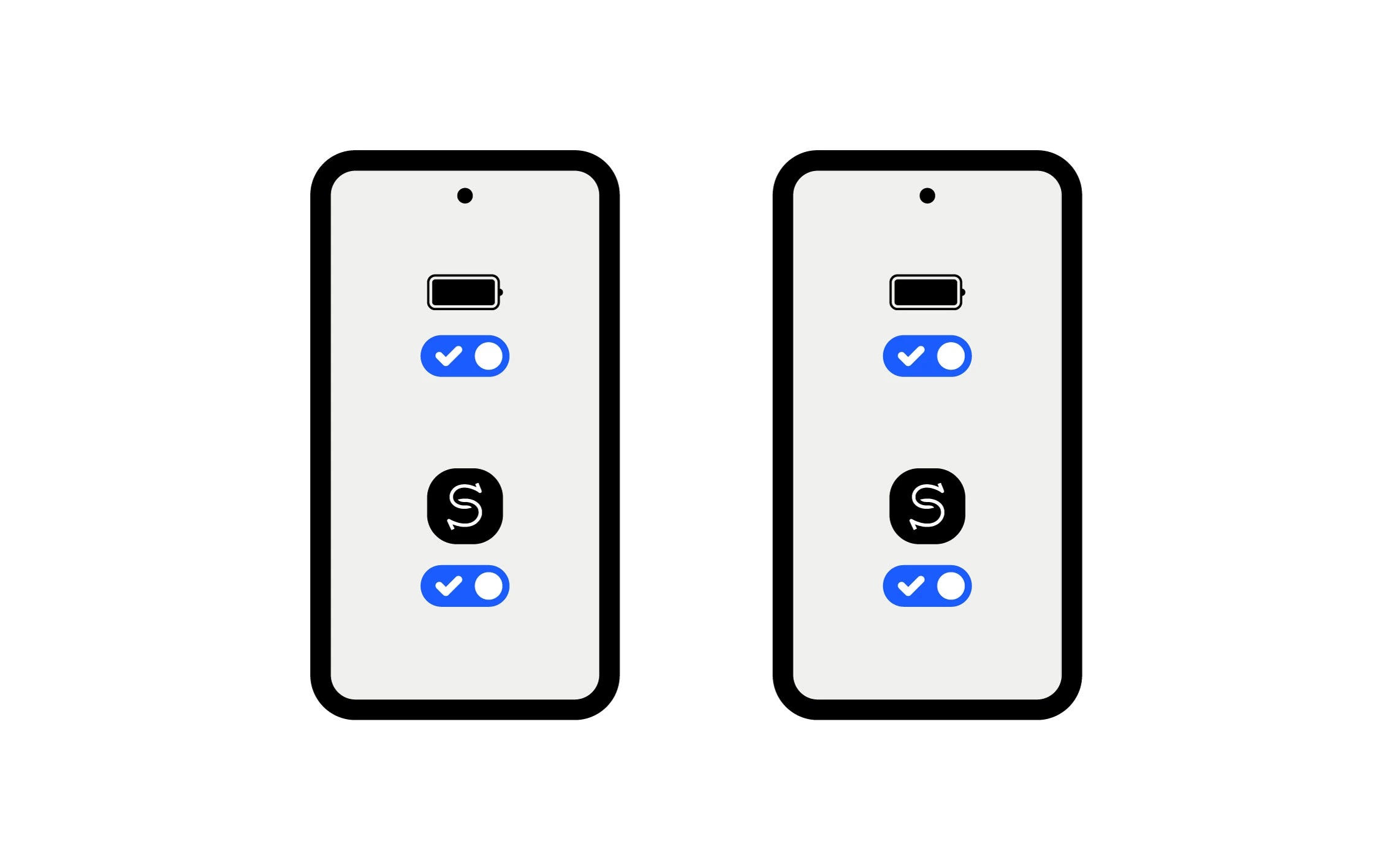
Before starting (important)
- Charge the both devices (the transfer can take a while).
- Open Smart Switch on both phones (the first time, the app may ask for permissions).
- Keep the devices close together if you are doing a wireless transfer.
Recommended Method — Wireless Smart Switch (simple, no accessories)
- On the old Galaxy: open Smart Switch → Send
data from this phone. - On the new Galaxy: open Smart Switch → Receive
data on this phone. - On the old one, choose Wireless. On the new one, select
the original device type (Galaxy/Android) and continue. - Scan the QR code (or follow the connection screen) to pair
the two devices. - On the new Galaxy: select what you want to
transfer → Next. - Wait for completion, then tap Done on both phones (the
new one may display a summary of results).
Fast Option — Smart Switch with cable (often very stable)
- Connect the old Galaxy and the new Galaxy with a compatible cable (an adapter may be required depending on the models).
- When a window appears, choose Smart Switch.
- On the old one: Send from this phone. On the new one: Receive on this phone.
- On the old one: tap Connect.
- On the new one: choose the data → Next → let it finish.
- Tap Done on both devices.
Note: some apps may appear grayed out and won't open until the installation/transfer is completely finished.
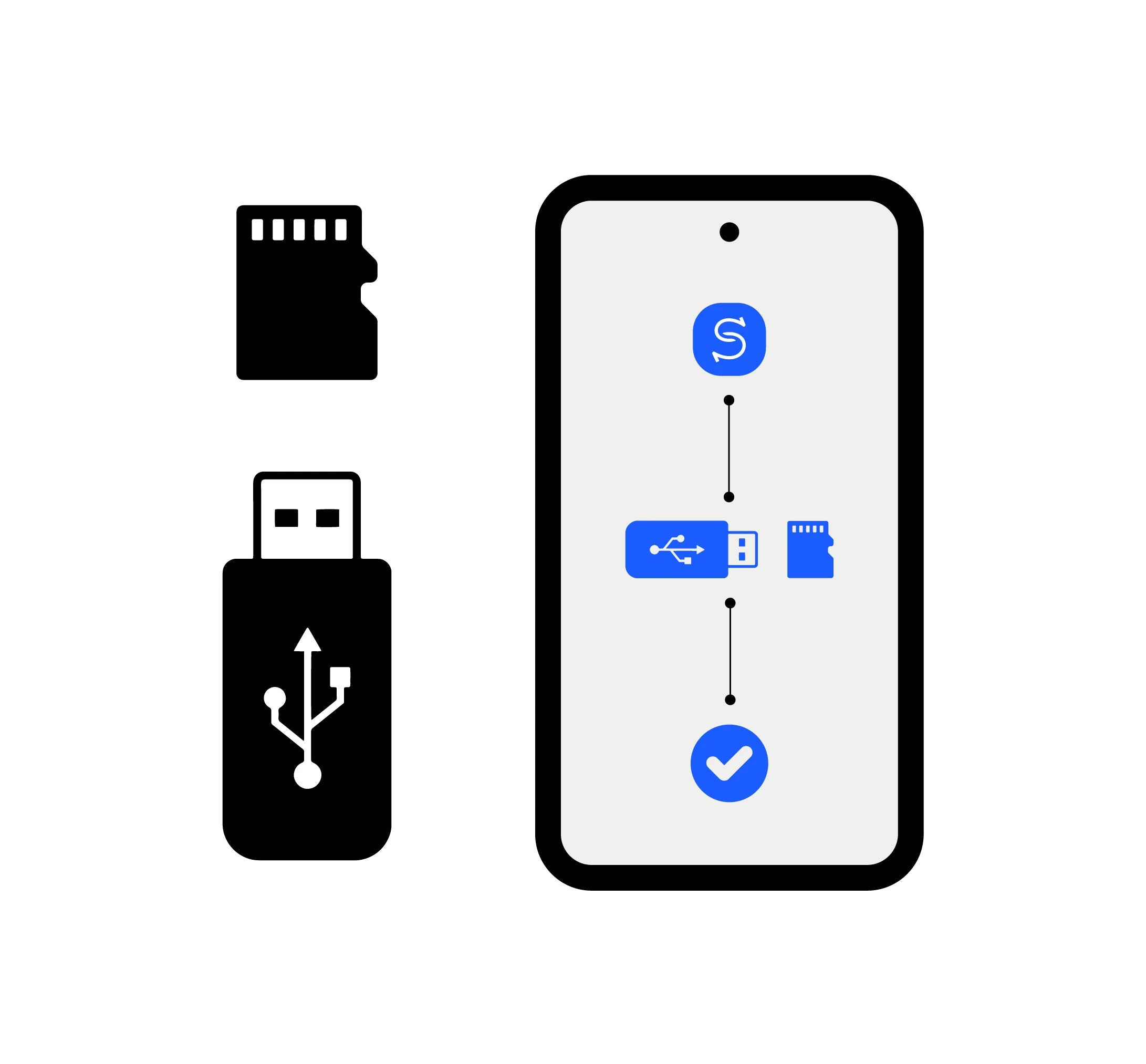
Alternative — Backup to USB flash drive / USB storage (or microSD if compatible)
Useful if you do not want to connect the two phones directly.
- Plug the USB drive/storage (or microSD via adapter) into the old device.
- Open Smart Switch → SD card icon (at the top) → choose USB storage (or SD/USB depending on the screen).
- Choose Backup (or Restore) → select the data → Next / OK → wait for it to finish → Done.
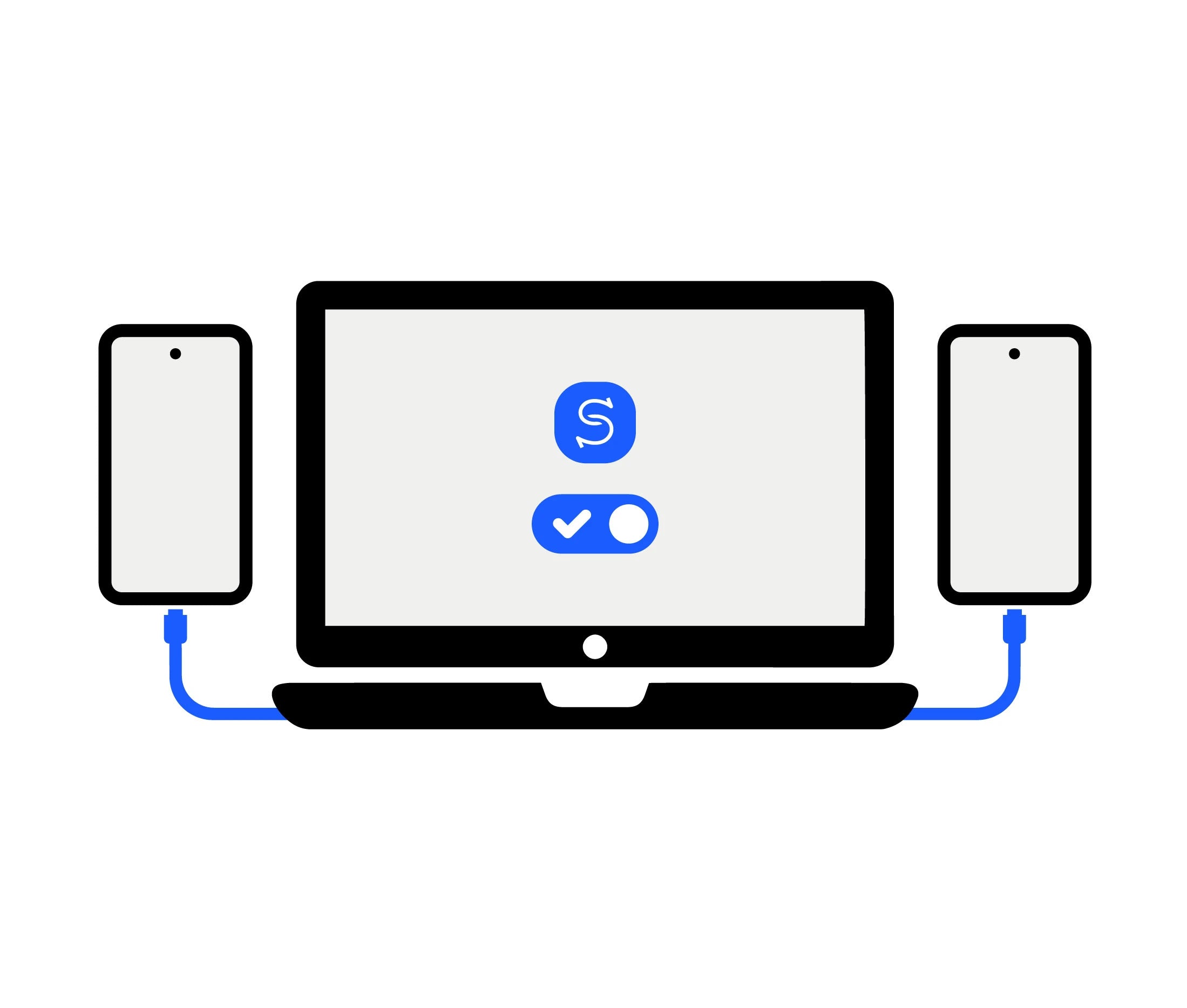
Alternative — Backup via PC/Mac (Smart Switch for computer)
- On the computer: install and open Smart Switch (PC/Mac).
- Plug in the old phone → follow the on-screen instructions to back up.
- Plug in the new phone → follow the on-screen instructions to restore/transfer.
FAQ
Wireless if you don’t have any accessories, or by cable if you want an often very stable transfer.
Samsung indicates that this is normal: some apps finish installing after the transfer is complete.
Yes, the first use may require permissions to be accepted within the app.
Smart Switch allows you to select the data to be transferred; depending on the method, some items may require time or subsequent installation (apps).
Samsung specifies that contacts stored in Samsung/Google/SIM are supported, but those from other external accounts may not be included.