

Samsung to iPhone
Transfer your data with “Move to iOS”: contacts, SMS, photos/videos, files, call history, settings… (and even WhatsApp).
Before starting (important)
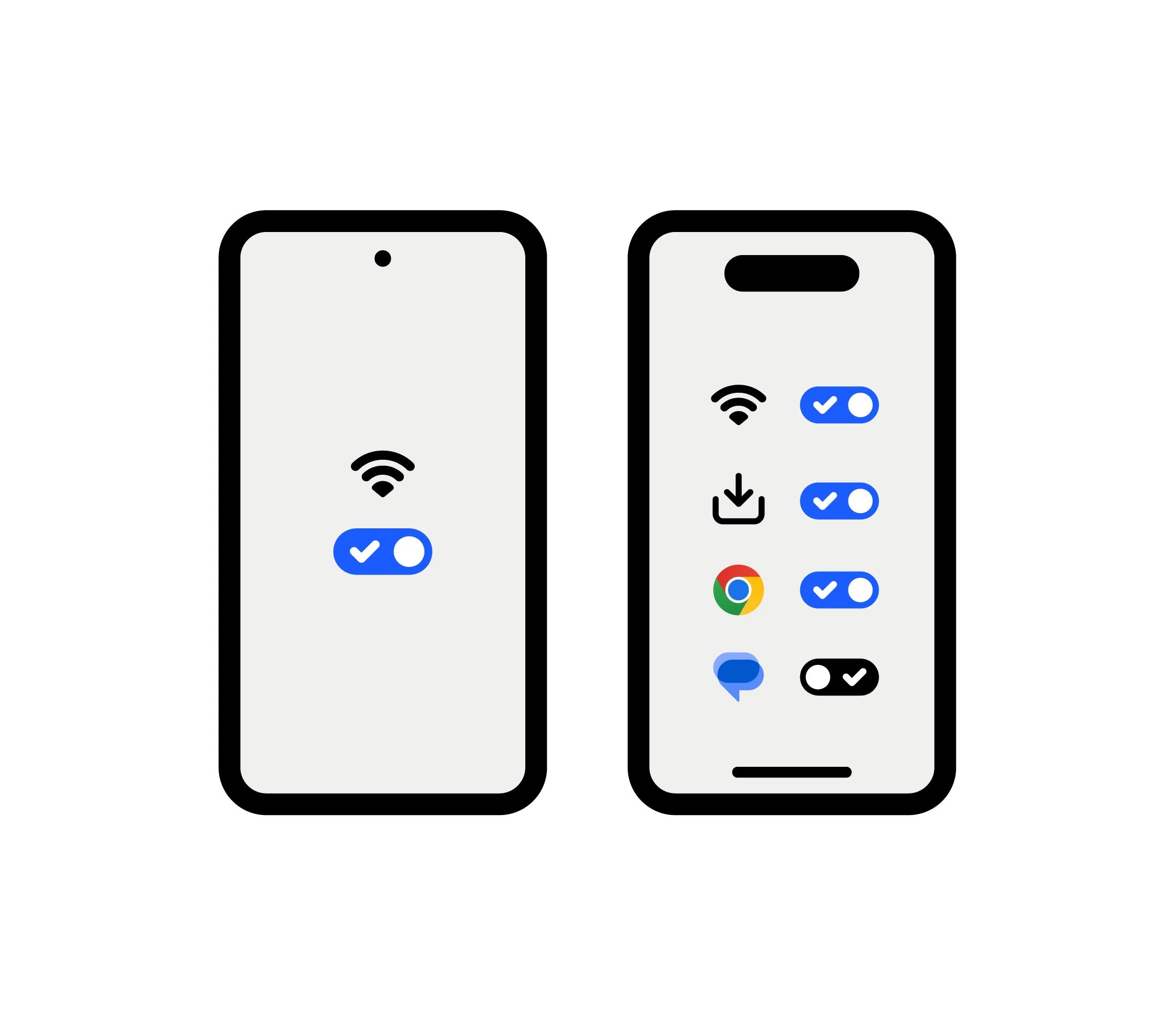
- On your Samsung: Turn on Wi-Fi. Plug in both phones (ideally).
- Ensure the iPhone has enough storage space to receive everything.
- If you want to transfer Chrome bookmarks: Update Chrome on Android.
- If the iPhone is already set up, it must be erased to perform a full transfer (otherwise, transfer manually).
- "Texting trouble-shooter" option: if you use RCS (Google Messages), you should disable RCS before switching (Google recommends doing this when you “switch devices”).
Recommended Method — “Move to iOS” (Wireless)
- Turn on the iPhone and follow the setup process until the “Transfer Your Apps & Data” screen → choose “From Android”.
- On the Samsung, open Move to iOS (or scan the QR code displayed on the iPhone to go to the Play Store), then tap Continue / Agree.
- On the iPhone, tap Continue and wait for the code (6 or 10 digits).
- Enter this code into Move to iOS on the Samsung.
- When prompted by iOS, the Samsung will connect to the temporary Wi-Fi network created by the iPhone.
- On the Samsung, choose the content you want to transfer (e.g., Contacts, SMS, Photos/Videos, Files, Call History, etc.) then tap Continue.
- Do not touch anything until the end: keep both devices close together and plugged in. Let the loading bar finish on the iPhone (even if the Android says “finished”).
- When complete: tap Done on the Samsung → tap Continue on the iPhone to finish the setup.
- For your cellular service: iOS can guide you through activating your SIM / eSIM (sometimes via your carrier's website).
Faster Option — Transfer with cable (if you have USB-C)
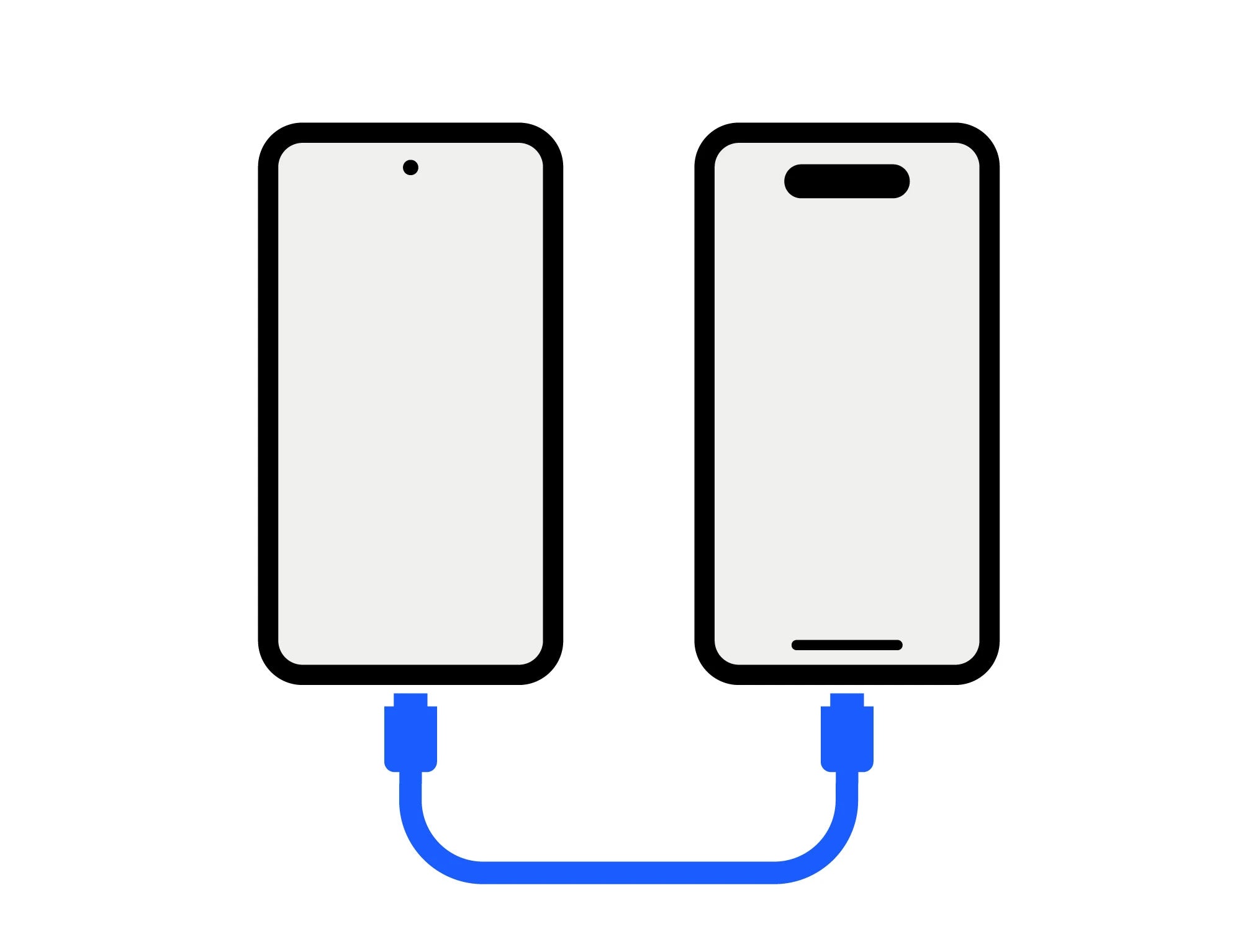
Faster Option — Transfer with cable (if you have USB-C)
Apple indicates that you can connect Android ↔ iPhone with a USB-C cable for a faster transfer. If a message appears on Android, adjust the USB settings then relaunch Move to iOS.
After the transfer
- Apps: some free apps may be “matched” and offered for download on the App Store.
- Music, books, and PDFs: Apple specifies that these are often transferred manually.
FAQ
Apple lists specifically: contacts, message/SMS history, photos/videos, albums, files/folders, web bookmarks, mail accounts, call history, calendars, certain settings, etc.
Apple indicates that WhatsApp messages and media can be transferred via Move to iOS. WhatsApp also provides an “Android → iPhone” guide based on Move to iOS.
For a full transfer with Move to iOS, Apple indicates that you must erase the iPhone and start over (otherwise, perform a manual transfer).
Apple recommends (among other things): keeping Move to iOS open (do not use another app / avoid calls), restarting both devices, and if necessary, turning off elements that interfere with Wi-Fi.
If you were using RCS, Google suggests disabling RCS when you switch devices (or via their page if you no longer have the old one).